
Moderate
30-45 minutes
21 views
How to Replace iPhone 13 Pro Sensor Proximity Flex Cable?
Step-by-step guide to replace the ambient light sensor flex cable on your iPhone 13 Pro. This repair requires some technical skill and the right tools.
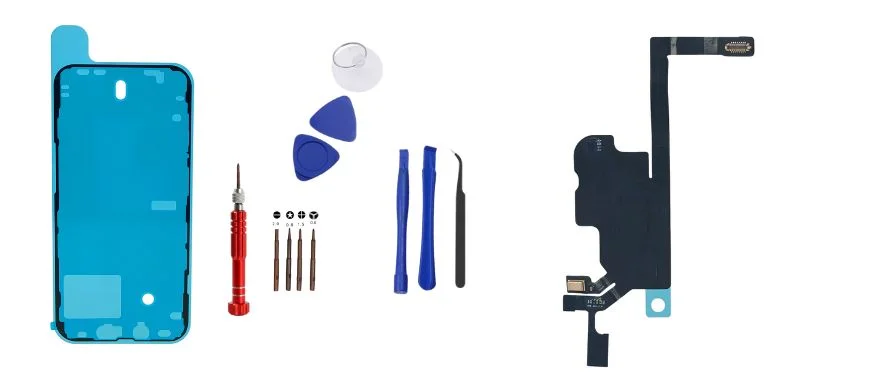
Repair Guide Info
Difficulty
Moderate
Estimated Time
30-45 minutes
Views
21 views
Tools Needed
- Pentalobe screwdriver
- Phillips screwdriver
- Plastic opening tool
- Suction cup
Parts Needed
- iPhone XR Screen Assembly
- iPhone 14 Pro OLED Screen
- iPhone 13 LCD Display Assembly
- iPhone 13 Pro Sensor Proximity Flex Cable
Step-by-Step Instructions
1
Power off your iPhone
Turn off your iPhone completely before starting the repair.
2
Remove the display assembly
Use a pentalobe screwdriver to remove the two screws at the bottom of the device, then carefully pry open the display.
3
Disconnect the display cables

Carefully disconnect the display cables from the logic board.
4
Install the new screen
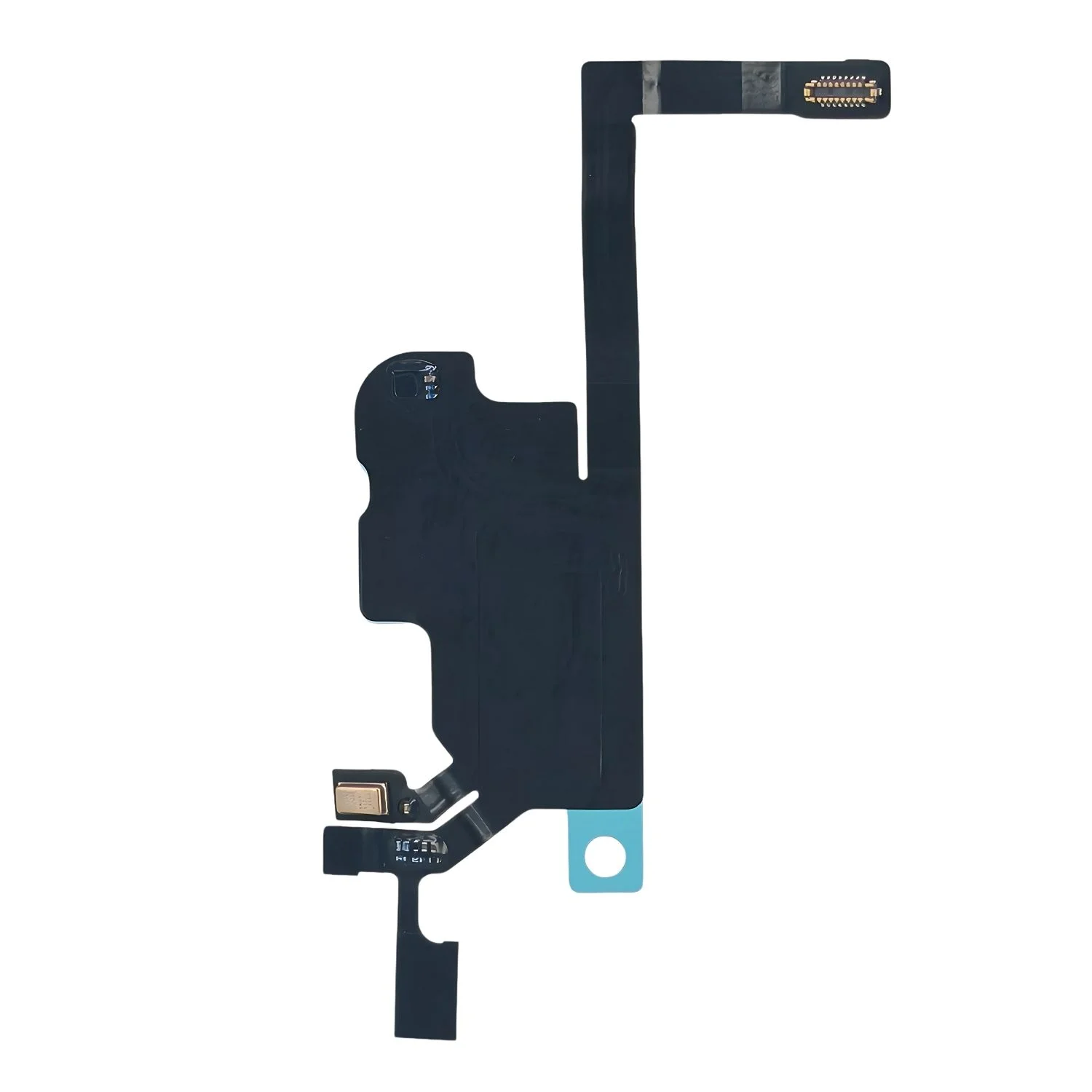
Connect the new display cables and reassemble the device.